
Using item dimensions
Management
Currently, goods can have three storage dimensions:
- warehouse,
- serial number,
- package number.
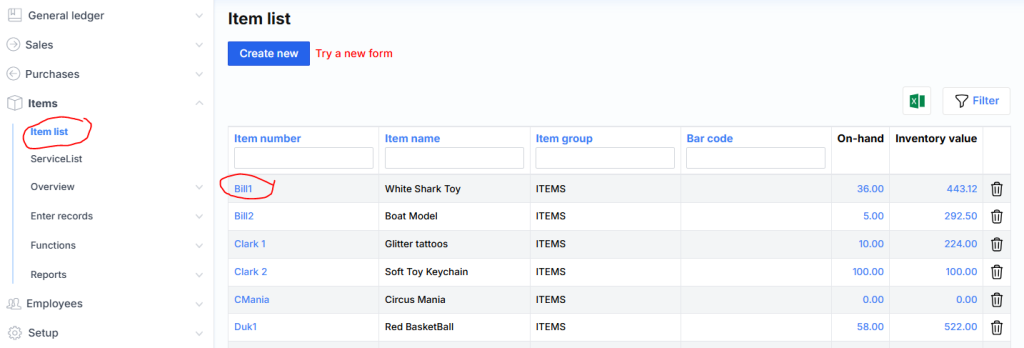
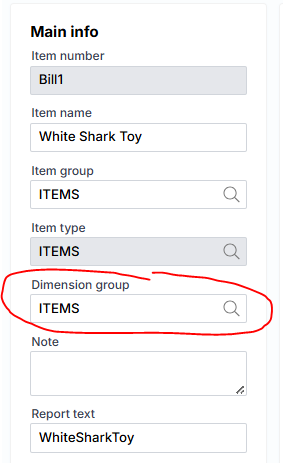
Their management is possible through the Dimension group field indicated on the product card:
Setting
Dimension groups themselves are set in Menu/Settings/Products/Product groups:
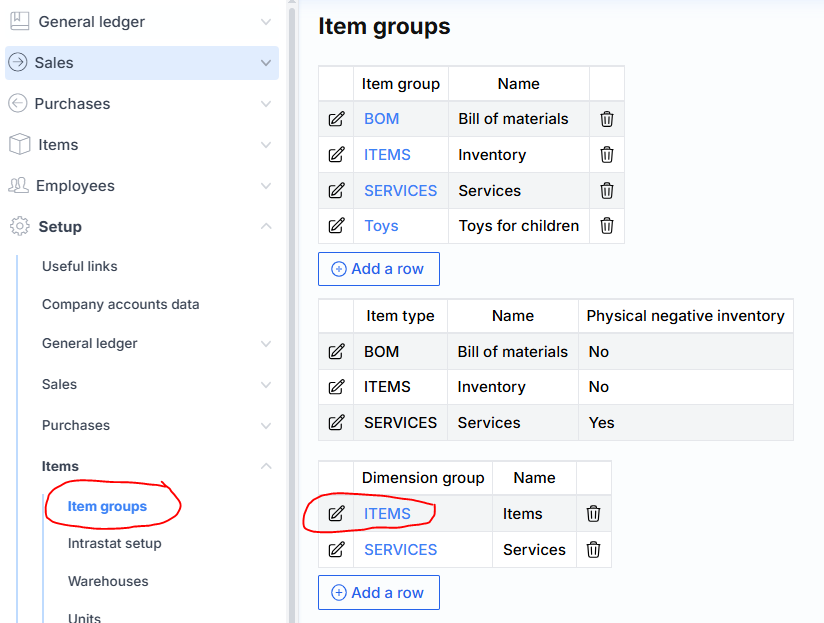
Clicking on the link marked with an arrow opens the settings of the ITEMS dimension group:
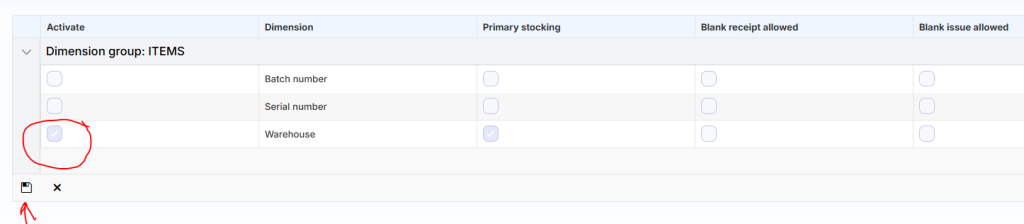
Dimensions can be activated or deactivated here (Activate field).
Other field values:
Primary Stock – Once checked, the dimension will become mandatory. Also, its (dimension) values will be taken into account when calculating product costs.
Blank receipt allowed – it is marked whether it is possible to purchase without specifying the dimension.
Blank issue allowed – it is marked whether it can be sold without specifying the dimension.
Usage
After activating the relevant dimension, it will start to be displayed in the system when entering goods transactions (eg: purchase or sale):
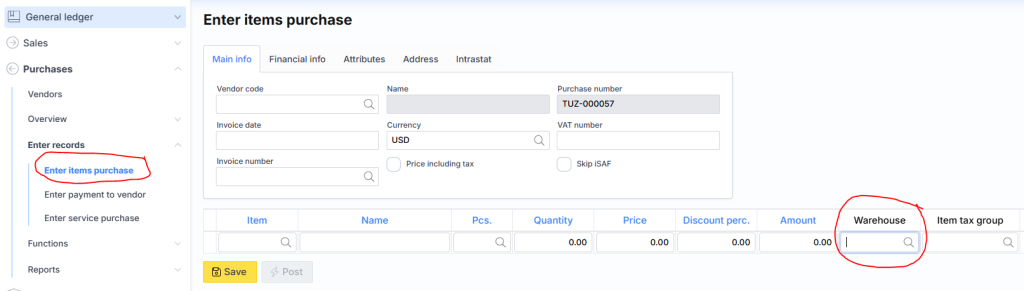
The warehouse is created generically, that is, without being assigned to a specific product, so it is accessible via Menu/Settings/Products/Warehouses, while packages and serial numbers are specified for a specific product, so they can be created in two ways:
- By entering in the product card (at the bottom link Packages/Serial numbers);
- By entering directly in the form during purchase.
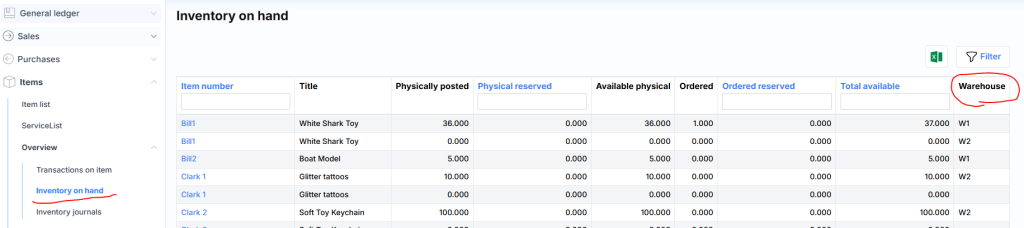
After all dimensions are activated, product balances will start to be displayed by the corresponding: