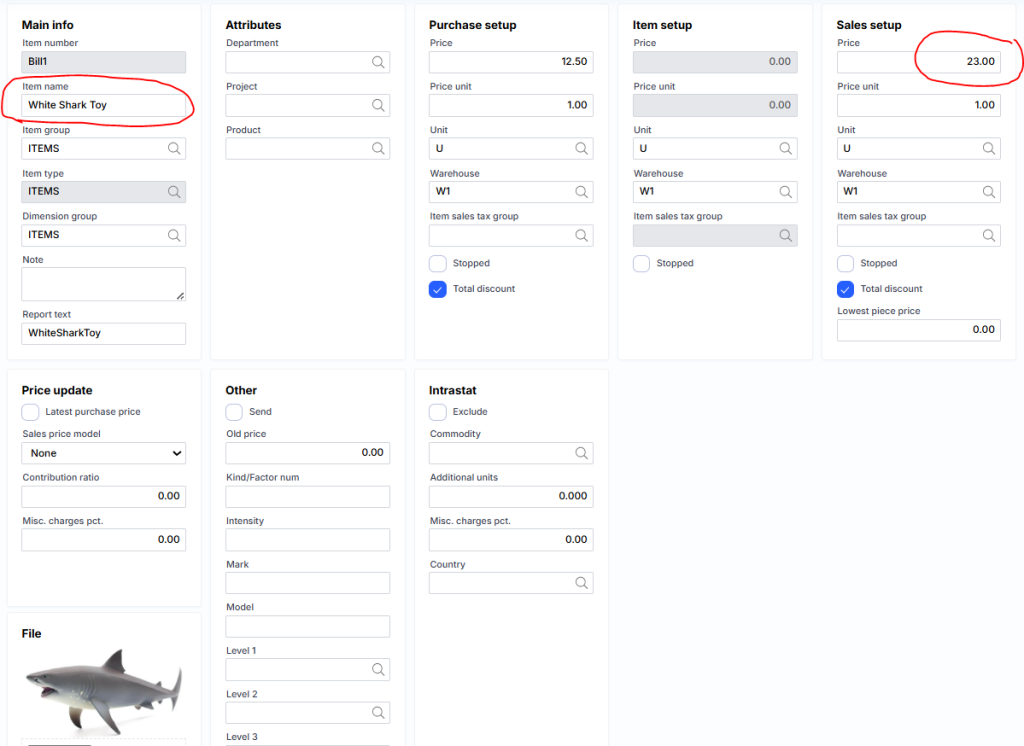
Sale prices and discounts
In MonetShark, you can simply specify the product’s selling price in the product card, but there is also an option for the price to depend on the purchasing client or their group, the purchase period, or the quantity purchased. The same applies to discounts.
To use a more advanced pricing or discount management mechanism, go to the product card.
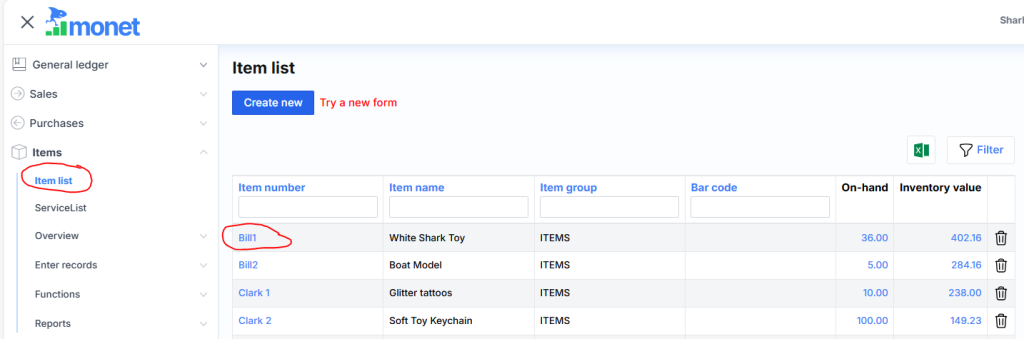
and by clicking the link ‘Sales prices and discounts’ at the bottom.
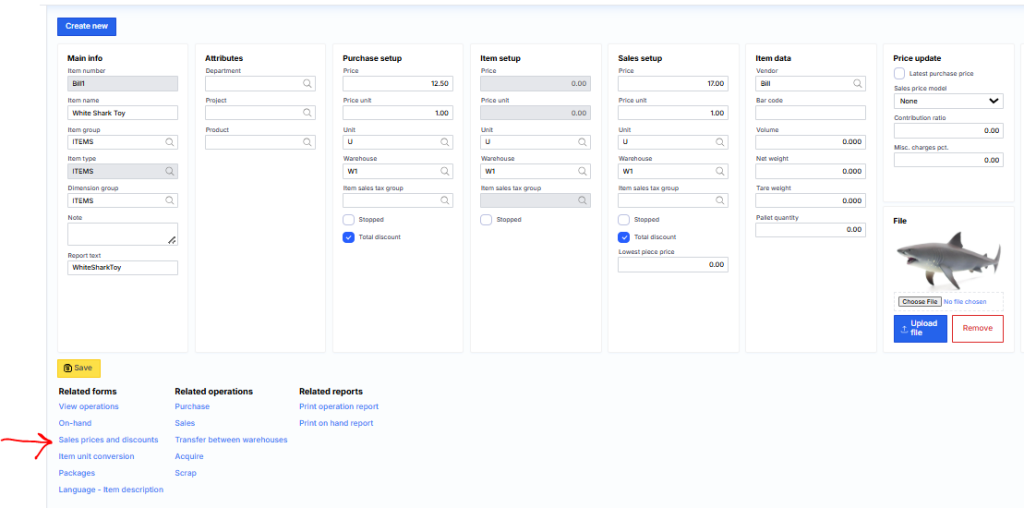
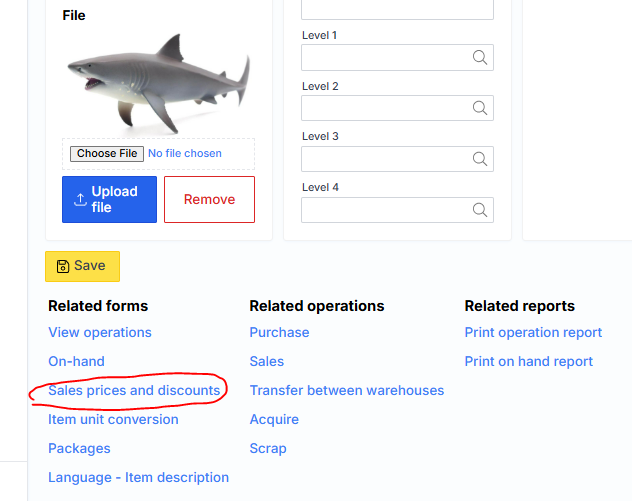
A form will open where you can enter prices based on clients.
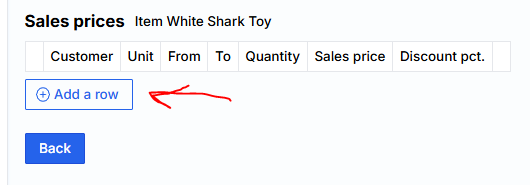
If you specify Quantity = 0, the discount of that amount will be applied; otherwise, the corresponding sales price for the client will be applied.

In MonetShark, it is possible to enter a minimum volume discount—1 unit for 5%, 2 units for 10%—for variable volume pricing.
When selling this product to clients listed in the table, the corresponding price will be applied. If the client is not found in the discount/price list, MonetShark will suggest the price specified in the product card: