

Bank account reconciliation
Bank reconciliation, or balance checking, is an operation where we compare transactions imported into MonetShark with the statement provided by the bank.
We open bank accounts:
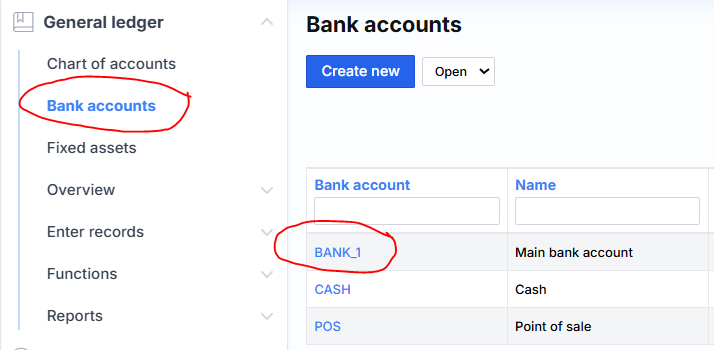
We press BANK_1 and get to the bank card:
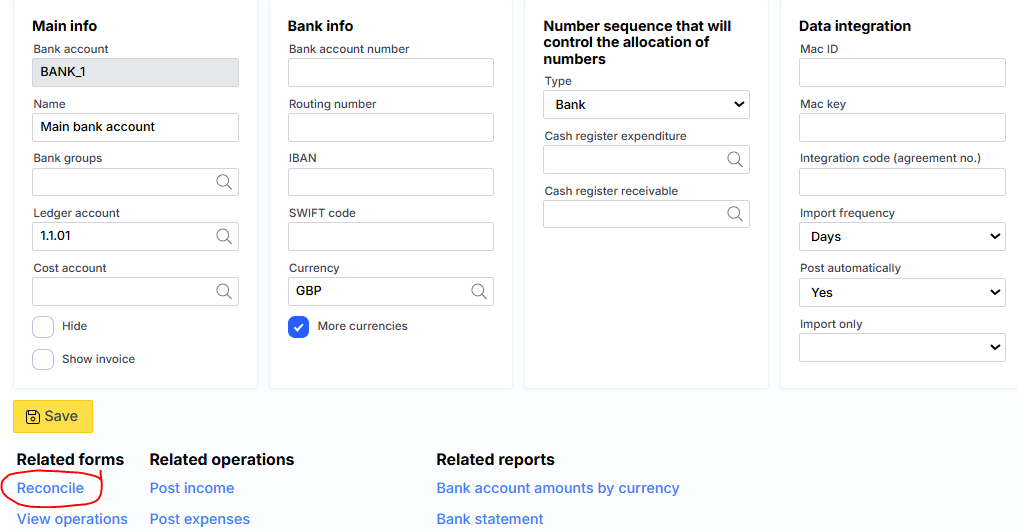
Here we click “Reconcile”:
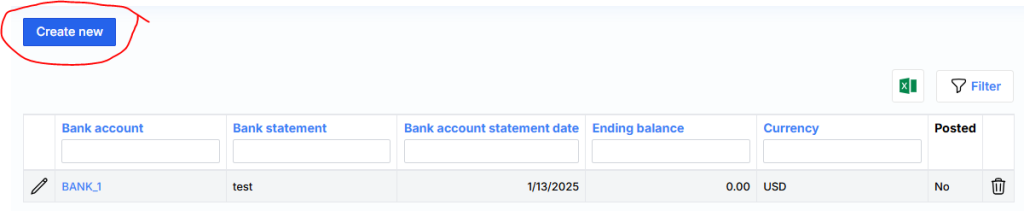
Click Create New and enter:
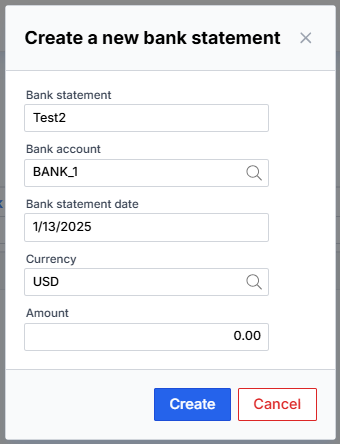
In the form that opens, we check the transactions by comparing them with the bank by adding checkmarks:
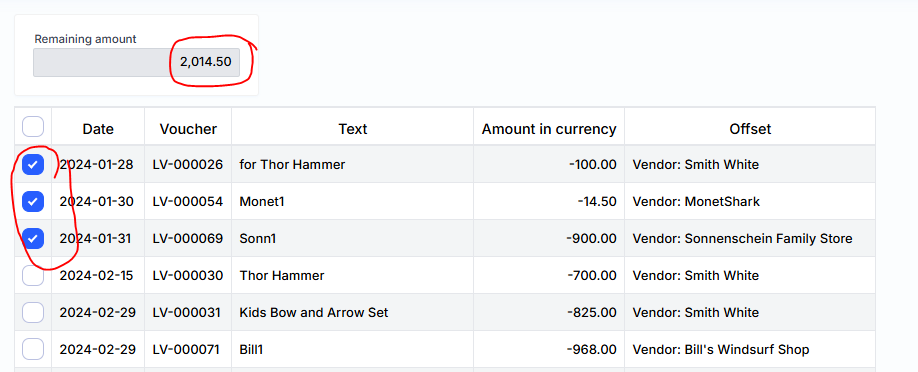
On the right side, you can see the customer or supplier to whom the transaction is related. If the amounts match the bank, the “Remaining amount” field contains 0. In this case, the Confirm button is activated . When you click it, the verification is complete, and the bank transaction is marked “Verified=yes”. If the amount does not match the statement, the Confirm button is not activated.
How to cancel the reconciliation
Select the appropriate reconciliation in bank account card bottom meniu.
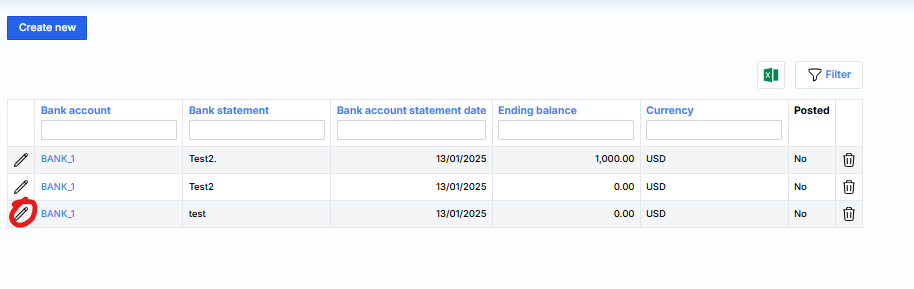
We are opening a new period for operations
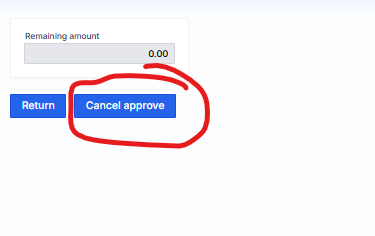
After canceling the confirmation, it will be possible to register to the relevant bank account transactions.