

Banks
Cash expense order
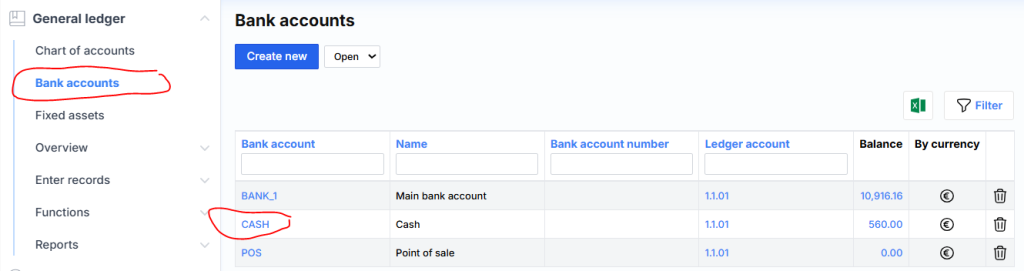
In order to enter the cash register expenses and print the cash register expense order, it is most convenient to follow the steps in the following sequence. Go to Bank accounts and select Cashier from the list:
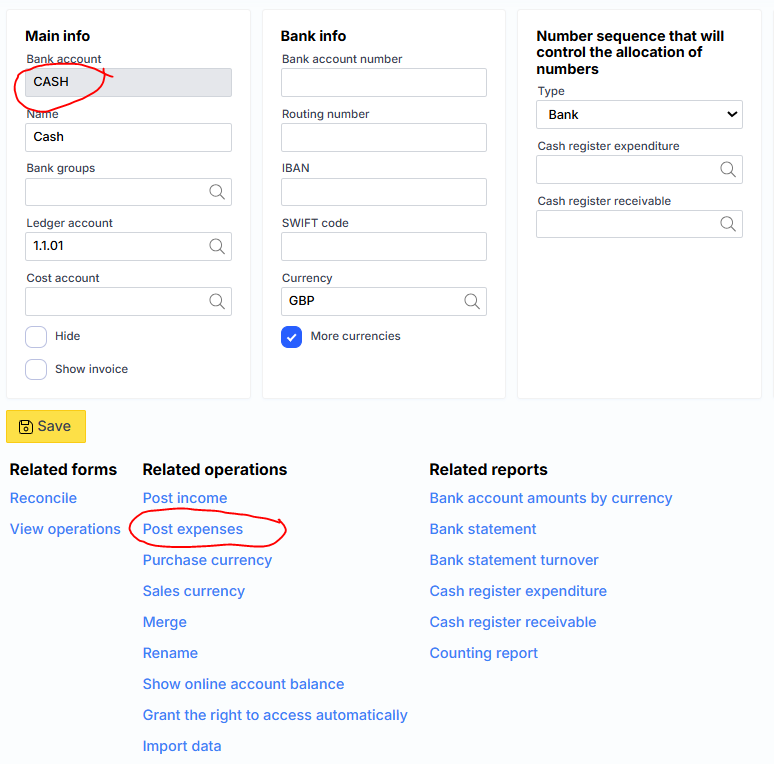
Press Post expenses :
The following form will open, where you need to select the vendor and specify the amount of money:
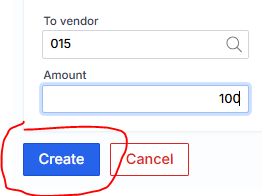
After clicking Create, the following form will open, where you can specify the date and click Register:
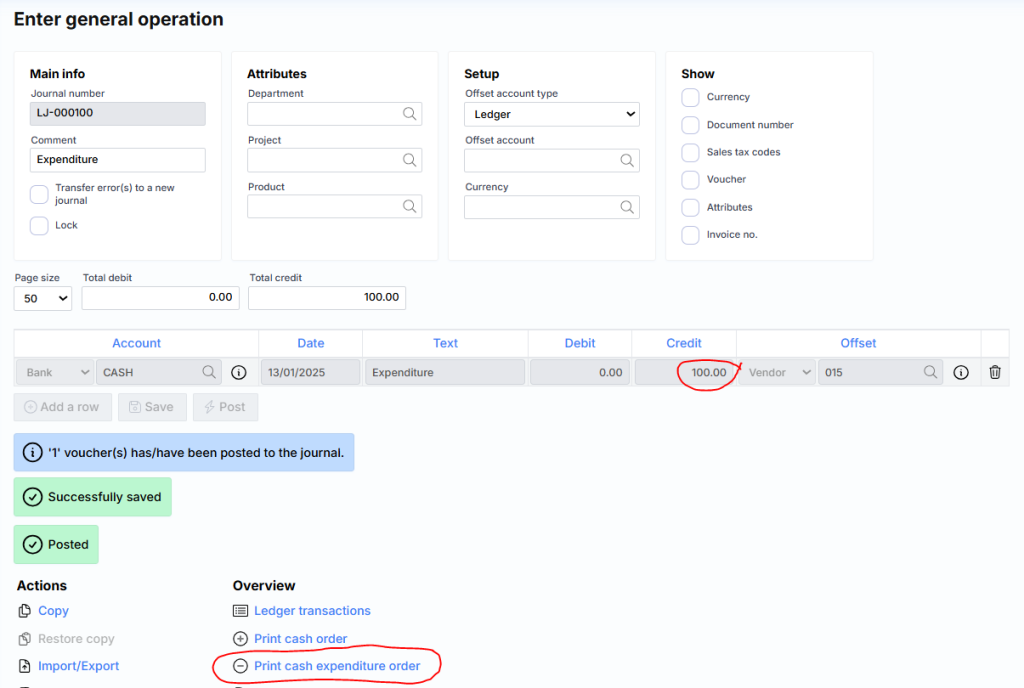
In order to print the document, select Print cash expenditure order. The system will generate a PDF file:
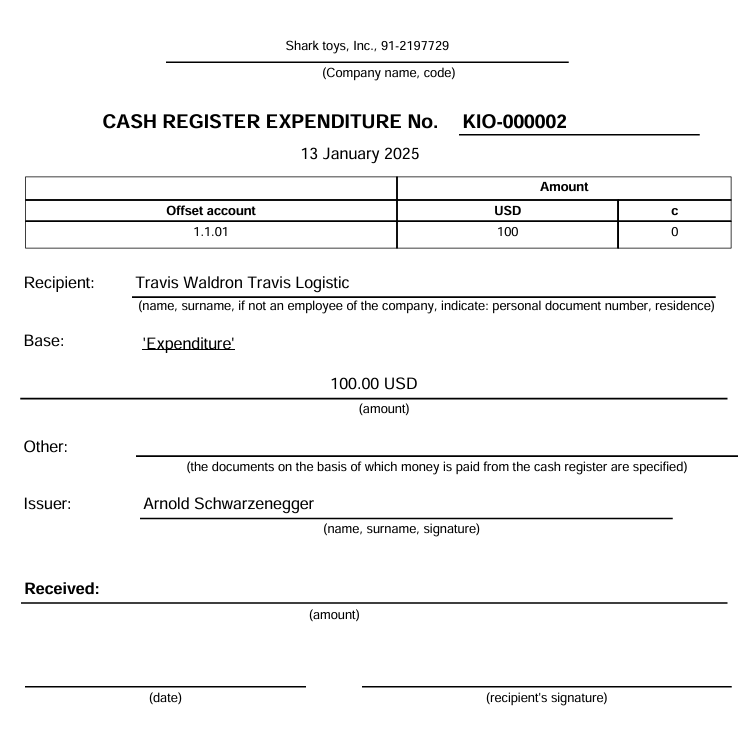
This document is recommended to be printed, signed and signed by the supplier.