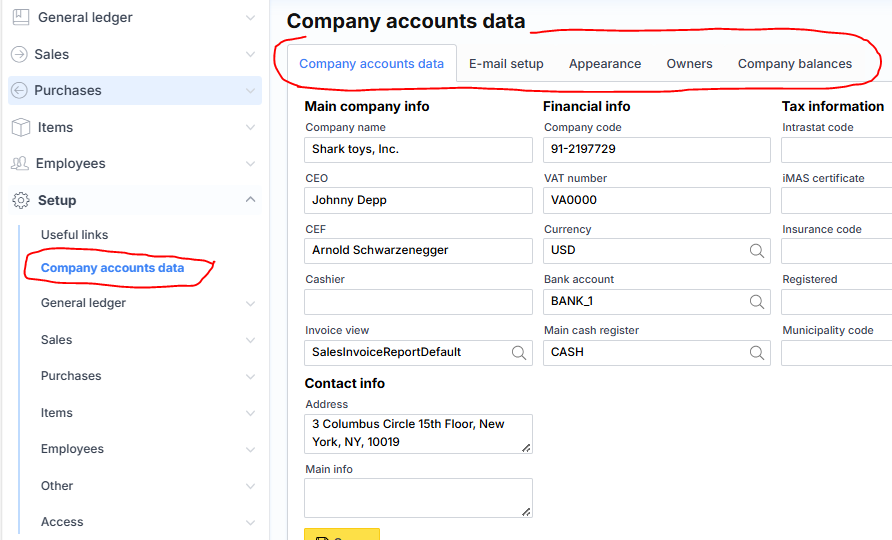
Setup
Company accounts data
Basic company settings are displayed in this form:
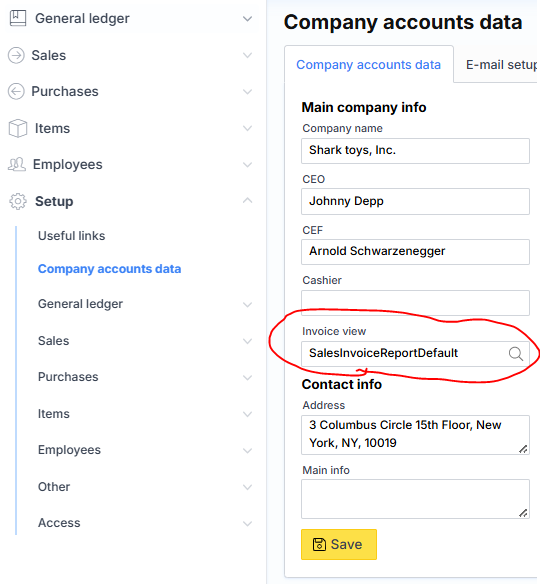
Invoice view
You can change the design of the sales invoice printout to the desired style or language by selecting from standard offers in the “Invoice view” field or by entering the name of an individually created printout.
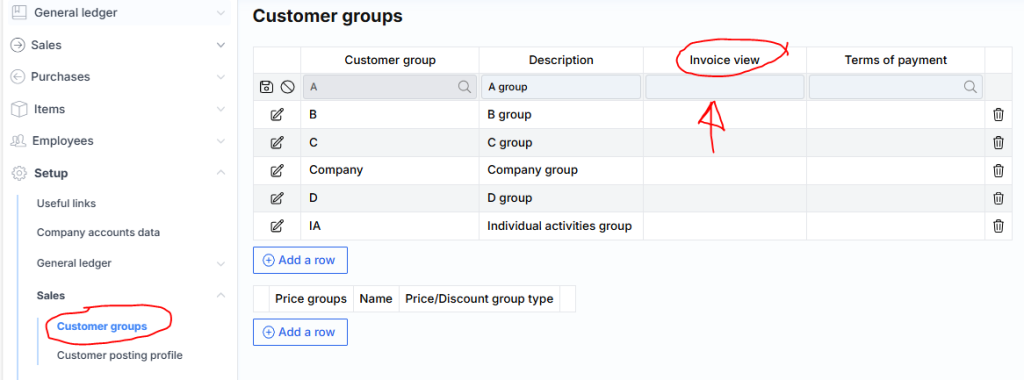
The invoice view can be assigned and managed at 3 levels:
- Individual customer – Sales -> Customers -> desired customer -> Invoice view.
- Customer groups – Settings -> Sales -> Customer groups -> desired customer groups -> Invoice view.
- Company default – Settings -> Company data -> Company data -> Invoice view.
The higher level overwrites the lower one.
Additional fields are available that are displayed at the bottom of standard invoices:
- Settings -> Company data -> Company data -> Basic information.
- Settings -> General Ledger -> VAT -> by VAT code -> “Print code” field.
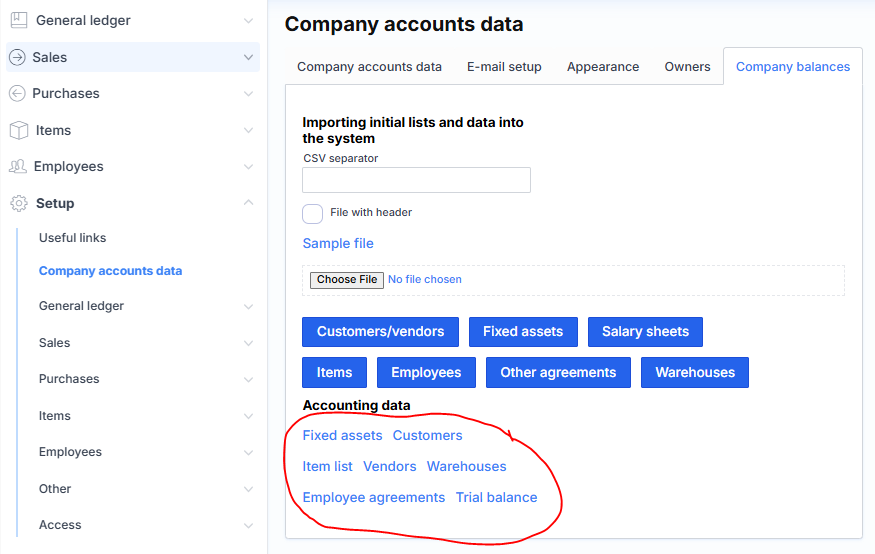
Company balances
Uploading and extracting balance data (more information: Uploading Balances).
The balance reports extract more information than the Excel list download. For example, in customer and supplier reports – VAT code, phone, email, address, country, etc.