

Production
First, a product is distinguished, the type of which is BOM:
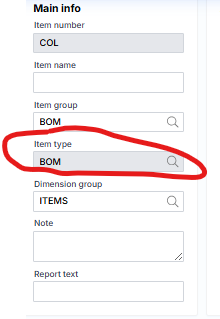
After creating a item of type BOM, the product specifications (what products it consists of) are described. This is done by clicking the Product specifications link on the product card , which opens the following form:
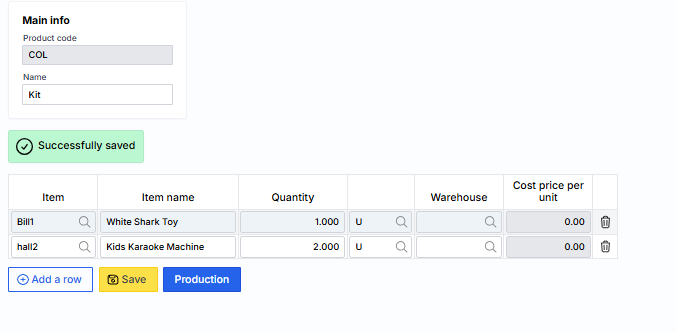
It indicates the items that make up the product and will be written off in the appropriate quantities.
Once this is done, you can register the production (assembly) procedure. It is called up in the same assembly form or on the item (product) card by clicking the Produce link :
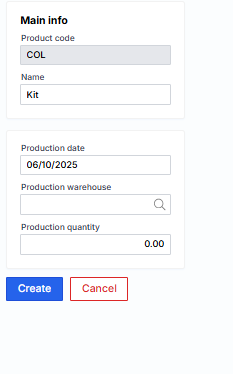
Where the completion date, product quantity and warehouse are specified. By clicking Create, a production journal is created:
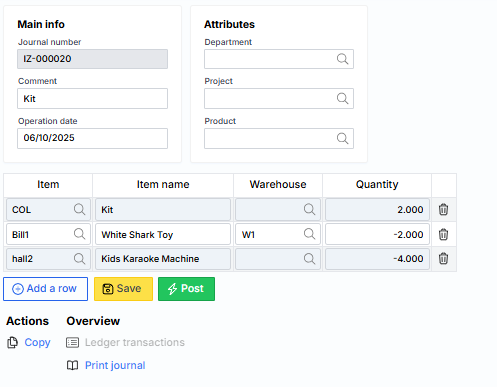
Once this journal is posted, the appropriate quantities of items (raw materials) will be written off and the specified quantity of products will be acquired.