

Sales
Debt reconciliation
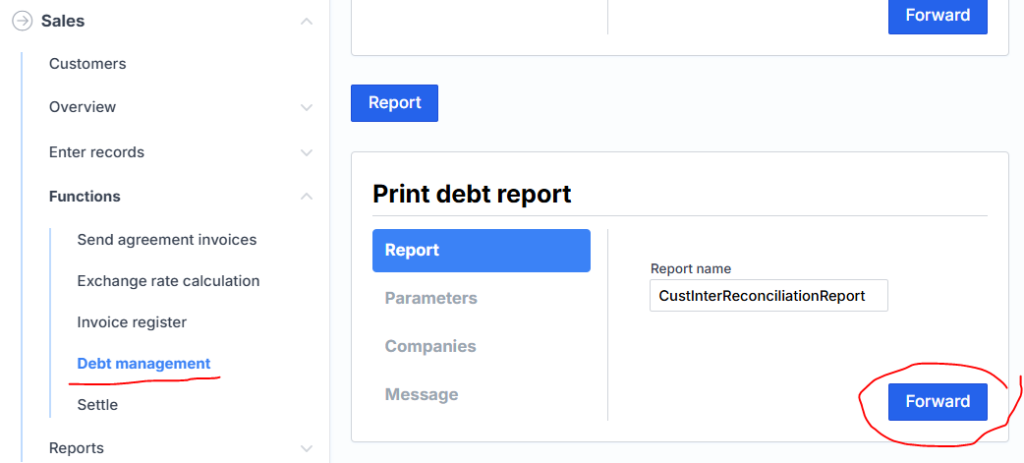
All clients who have e-mail can send debt reconciliation reports here. In the Report name field, you can leave it unchanged, or you can enter another desired report, e.g. detailed CustInterReconciliationDetailReport
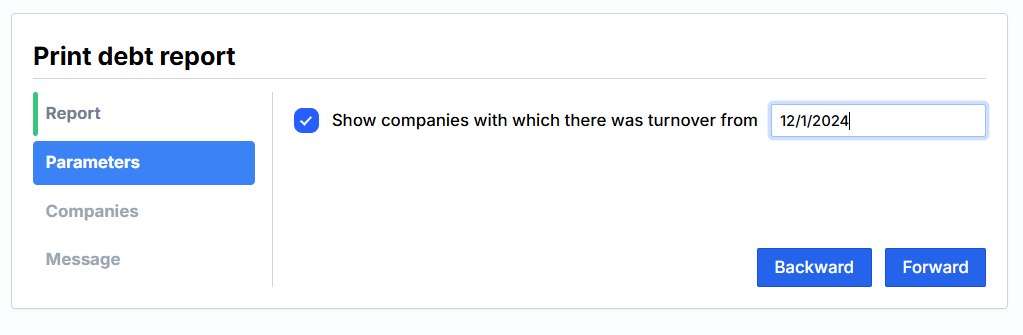
Next, click Parameters to specify the date for which you want to generate debt reconciliations, e.g. 12/1/2024.
Companies, put the checkmarks (you can mark the top one, it will add up for everyone).
Message, specify the title and text of the message, and click Finish at the bottom. Messages with the report attached will be sent to everyone marked.
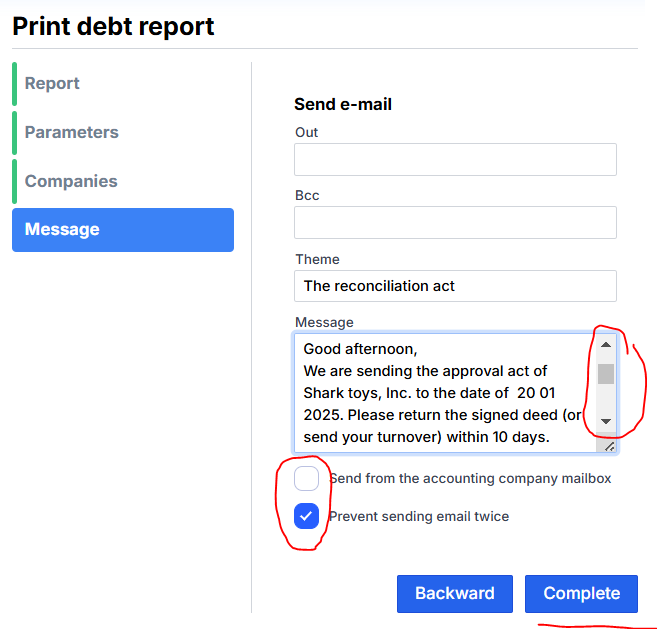
Before this, it is important to specify the mail server details in the company settings , under the Email Settings tab .