

Miscellaneous charges
Sometimes, when entering a purchase, the item cost price needs to be increased by additional expenses such as customs duties, delivery costs, etc. Additional expenses can be assigned in two ways:
- In the purchase order.
- In the posted invoice.
Miscellaneous charges in the purchase order
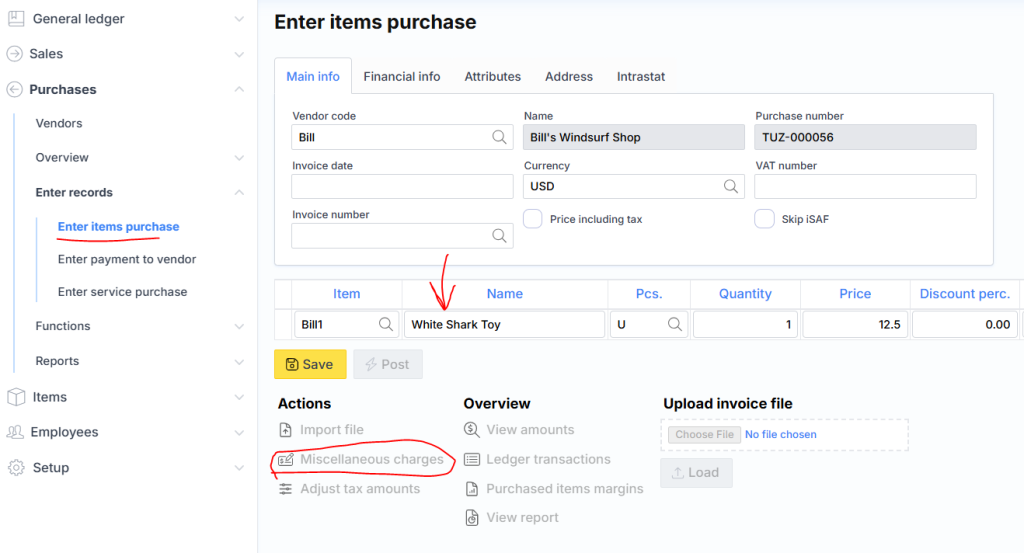
In the opened window, the expense amount is entered.
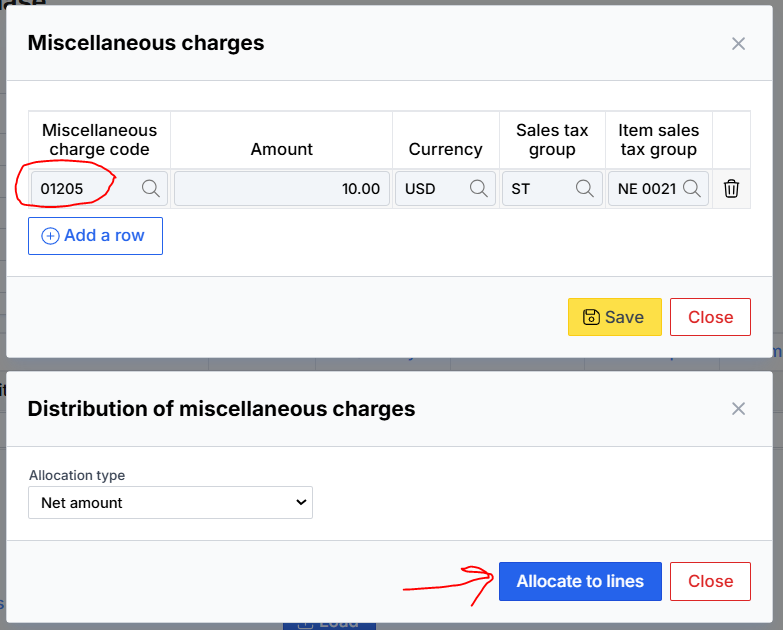
Then click Save, and after choosing the distribution method for the lines, click Allocate to Lines. You can view the distributed amounts for each corresponding line by clicking the additional expenses review icon.
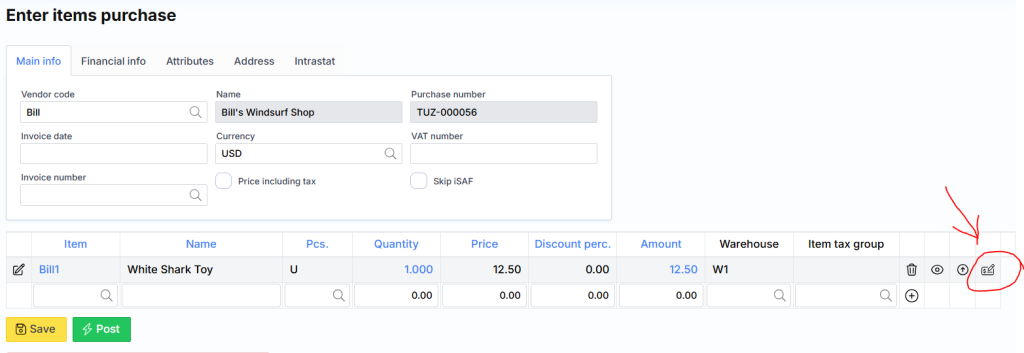
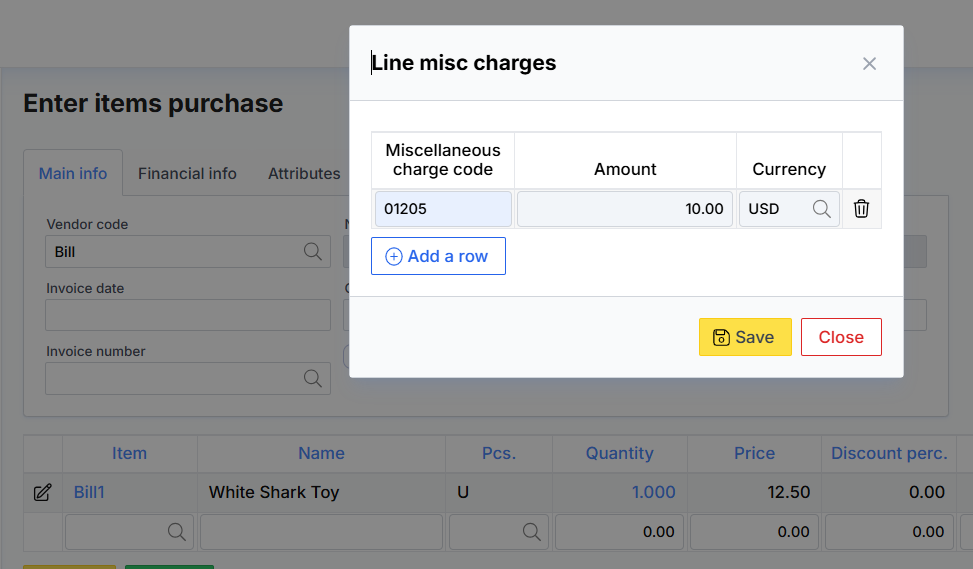
Once the purchase is posted, the additional expenses will be added to the item cost price.
Miscellaneous charges in the posted invoice
Additional expenses can also be assigned to a registered invoice. In that case, locate the invoice via: Menu → Purchases → Review → Purchase Invoices
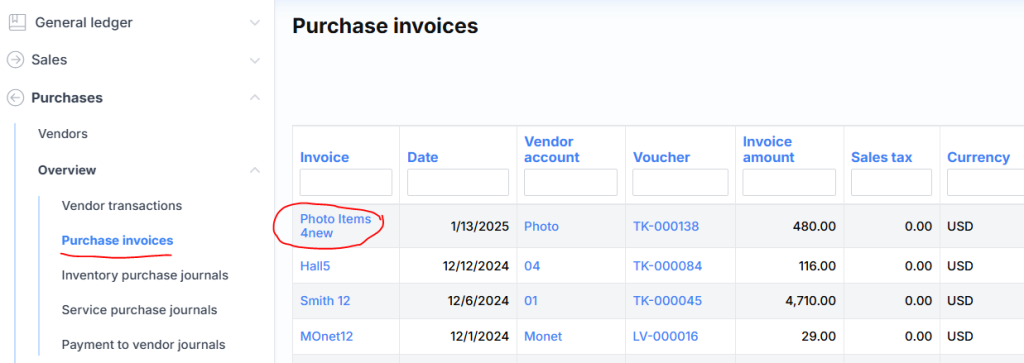
and we get link to the invoice card:
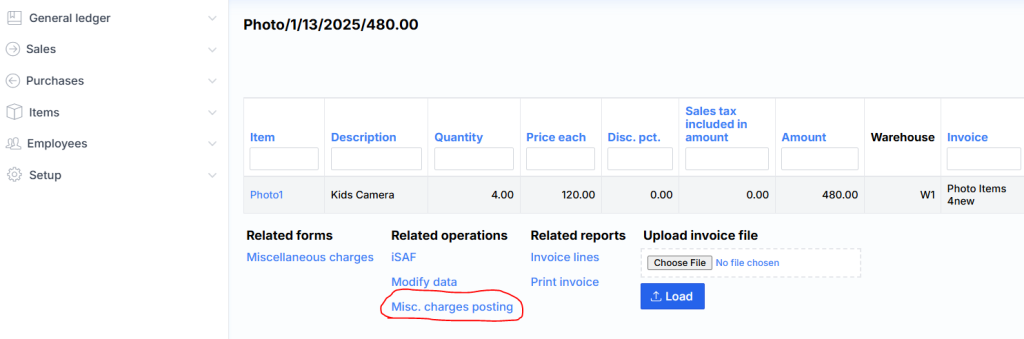
Next, click the Misc. charges posting link. In the opened window, the distribution is carried out using the same principle as in the first method.
⚠️ Note: When expenses are distributed from a different invoice, don’t forget to close the corresponding account (usually an off-balance account), as it’s used to add the cost to the item valuation.